Table of Content
▼- What Is a BMW Digital Key?
- What Is BMW Digital Key Plus?
- Checking Compatibility Before You Begin
- Step-by-Step: Setting Up Digital Key on Your X1 or X3
- Step 1: Have Both Physical Keys Ready
- Step 2: Use the Setup Card
- Step 3: Complete Setup Inside the Vehicle
- Step 4: Confirm and Start Using
- Key Features You Get With Digital Key
- What If Your Phone Battery Dies?
- Does Digital Key Work Without Internet?
- The Service Card: Your Backup Key
- Do You Still Get a Physical Key?
- How Secure Is BMW Digital Key?
- Quick Reference: Setup Checklist
- Conclusion
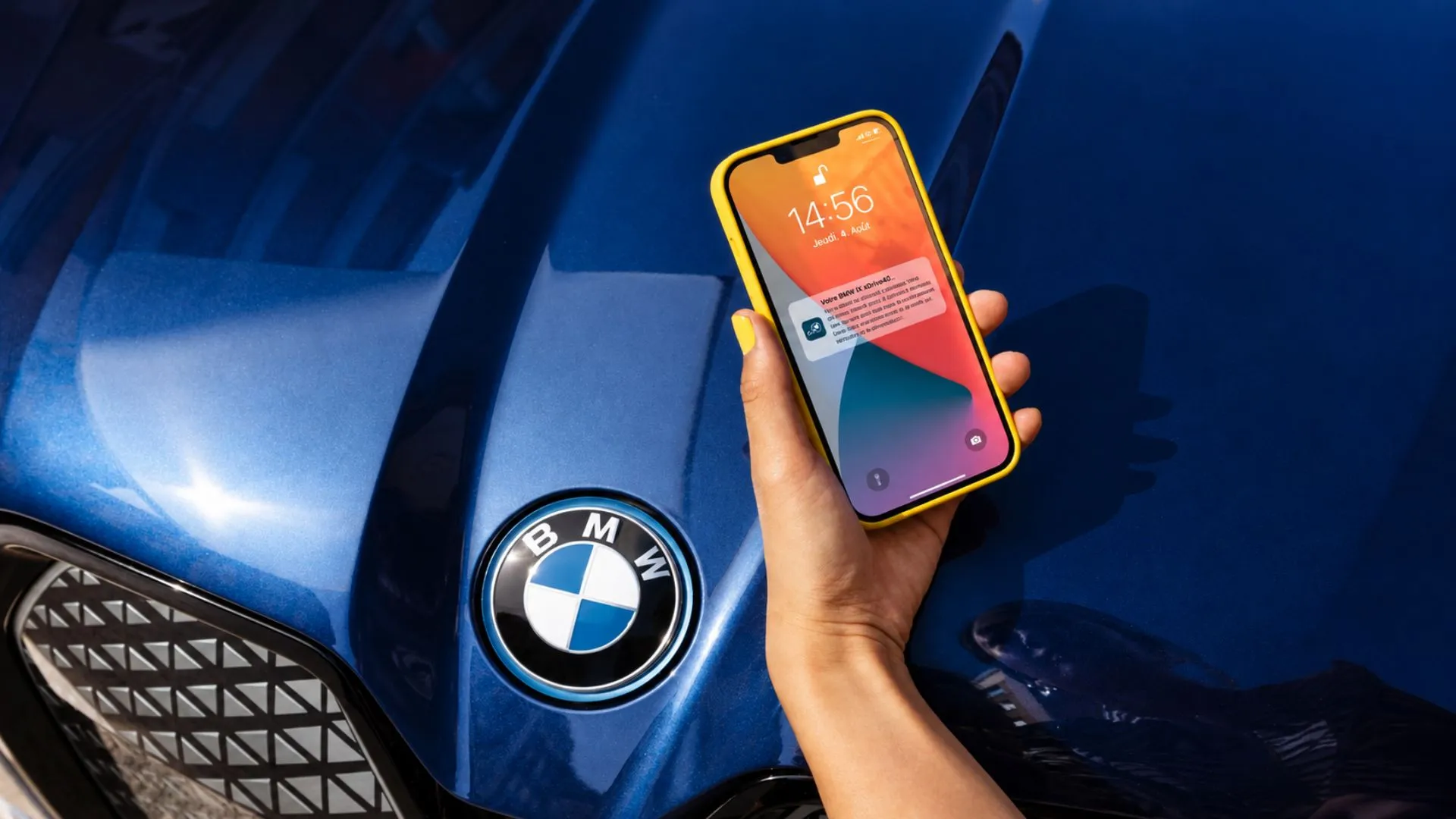
BMW X1 and X3 owners now have access to one of BMW's more genuinely useful digital features, a technology that turns a compatible smartphone or smartwatch into a fully functional car key. With BMW Digital Key, you can unlock, start, and even share access to your SUV without ever pulling out a physical key, and once set up, it changes how you interact with your vehicle on a daily basis.
What Is a BMW Digital Key?
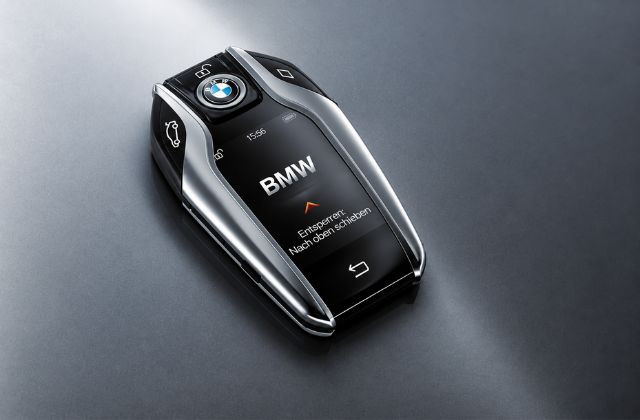
BMW Digital Key allows you to open and start your BMW car using your compatible mobile phone and control who else can use the key. This functionality is based on NFC technology, which enables you to unlock your car via the door handle using your smartphone or smartwatch.
What Is BMW Digital Key Plus?
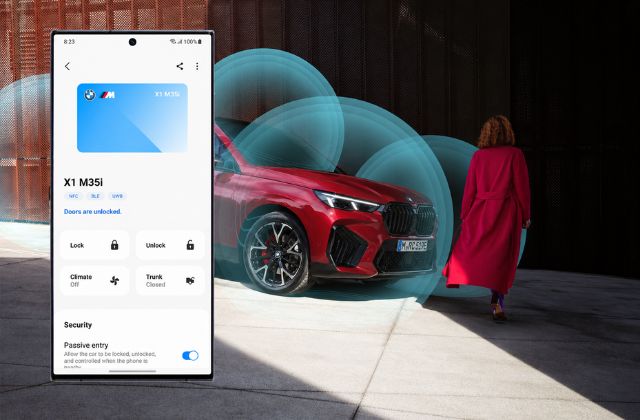
Digital Key Plus represents the newer generation and is the one that will appeal to the majority of owners of BMW X1 and X3. Leveraging the benefits offered by Ultra-Wideband (UWB), Digital Key Plus employs the technology to detect the device of the owner of the device. It supports sharing with more than 17 users against a five-user limit with the regular version.
|
Feature |
BMW Digital Key |
BMW Digital Key Plus |
|---|---|---|
|
Technology |
NFC only |
UWB + NFC |
|
Auto-unlock on approach |
No |
Yes |
|
Passive start (phone in pocket) |
No |
Yes |
|
Max shared users |
5 |
17 |
|
Remote parking support |
No |
Yes |
|
Welcome lighting animation |
No |
Yes |
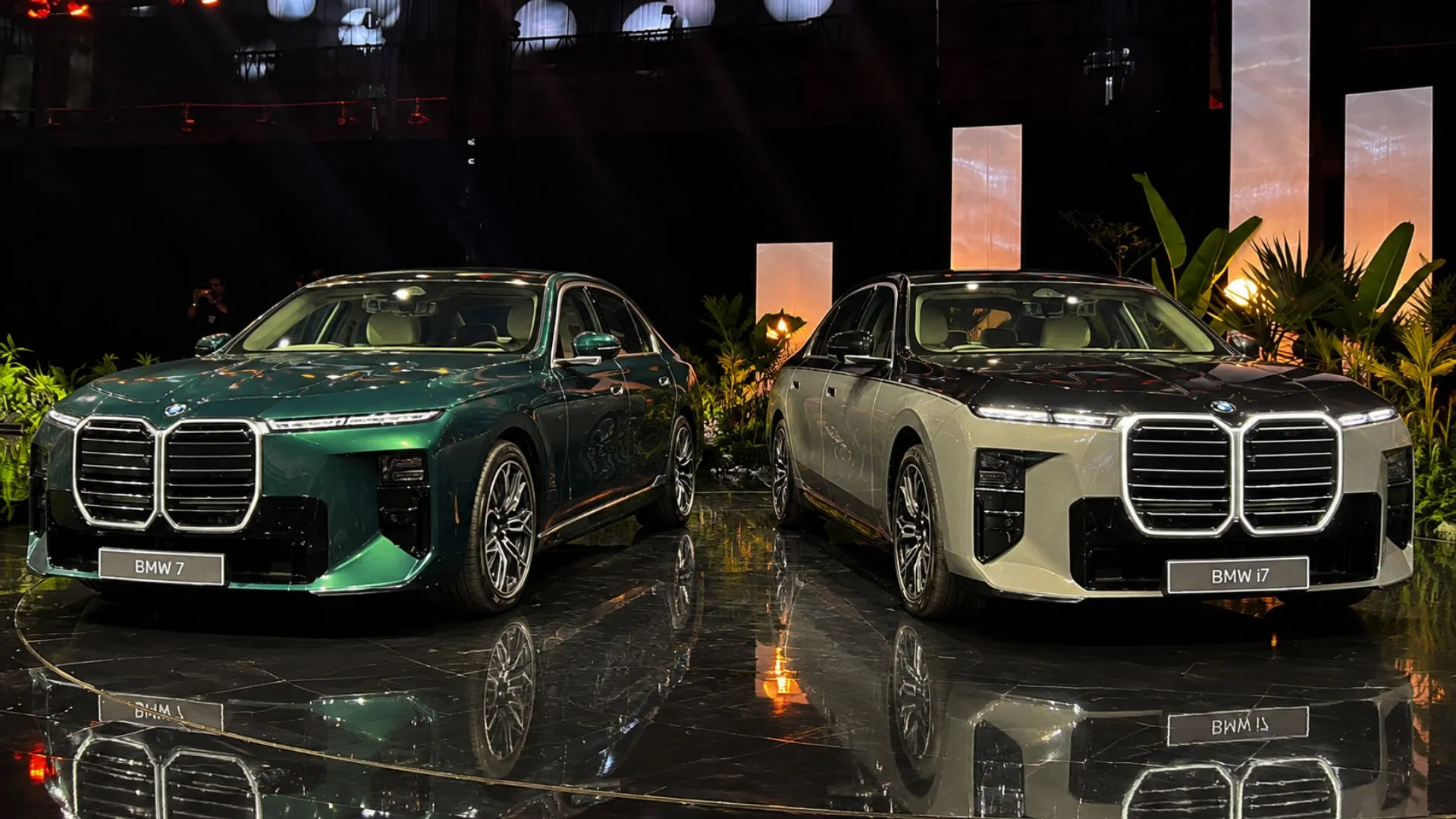
Also Read: BMW 7 Series and i7 2026: Price, Variants & Upgrades Explained
Checking Compatibility Before You Begin
Before setting up the Digital Key on your BMW X1 or X3, confirm two things:
- Your specific X1 or X3 variant supports Digital Key or Digital Key Plus, depending on the model and production date
- Your smartphone or smartwatch is on BMW's supported devices list, since not every phone supports the UWB hardware Digital Key Plus needs
BMW Digital Key Plus became available across many new models from July 2021 onward, while the standard BMW Digital Key has been rolling out since July 2020, so vehicle age and variant both affect what's available on your X1 or X3.
Step-by-Step: Setting Up Digital Key on Your X1 or X3
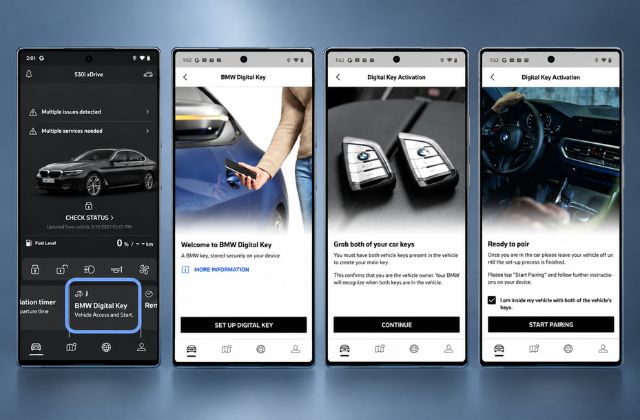
Step 1: Have Both Physical Keys Ready
You'll need both vehicle keys present inside the car to create your main digital key. This step confirms ownership of the vehicle before the system allows a digital key to be linked to it.
Step 2: Use the Setup Card
Hold the Setup Card supplied with your BMW against your smartphone. It will guide you step by step, letting you create a profile and approve it using the card itself.
Step 3: Complete Setup Inside the Vehicle
Make use of your physical key once again to get inside your BMW, and then go through the instructions in the My BMW app to finish activating the digital key while the car is switched off.
Step 4: Confirm and Start Using
Once setup finishes, your smartphone or smartwatch becomes a functional key. With Digital Key Plus, simply approaching the vehicle will trigger the welcome lighting sequence and unlock the doors automatically.
Key Features You Get With Digital Key
- Personal welcome: Your X1 or X3 switches on its lights and plays a welcome animation as you approach, loading your personal BMW ID profile settings inside
- Passive entry and start: With Digital Key Plus, you can leave your phone in your pocket entirely, the car unlocks as you approach and locks automatically when you walk away
- Digital key sharing: Share access with up to 18 keys total depending on model and device, sent simply via text message, regardless of whether the recipient uses iOS or Android
- Custom user permissions: Assign different rights per user, including a restricted profile with reduced acceleration and capped speed, useful for a learner driver
- Remote parking control: Steer your X1 or X3 in and out of tight parking spaces using Digital Key Plus while standing nearby
- Boot access via app: Open and close the luggage compartment directly through the My BMW App
- Voice control (iOS): Control key vehicle functions using voice commands through your iPhone or Apple Watch wallet
What If Your Phone Battery Dies?
This is one of the more practical concerns that owners experience, and BMW has an in-built solution. Regardless of whether the battery of your smartphone or smartwatch is low or switched off, you will still be able to use it as your key for several hours after. All you need to do is hold the electronic device on the outside of the door and follow the prompts on the screen.
Does Digital Key Work Without Internet?
Yes. An internet connection is only required during the initial setup process. Once the Digital Key is installed on your device, it works completely independently of network coverage, making it fully functional in underground parking structures or areas with poor signal.
The Service Card: Your Backup Key
Every BMW X1 and X3 has Digital Key along with a Service Card that normally remains inactive. The purpose of this card is where a physical key is necessary, like:
- Scheduled service appointments
- Valet parking
- Unexpected breakdowns
To activate it, place the card on the smartphone charging tray inside the vehicle and confirm activation, no internet connection required. Once activated, it should not be left inside the vehicle for security reasons, and it should always remain in the car in its deactivated state otherwise.
Also Read: BMW X1 LWB vs Audi Q3: Full Comparison Guide
Do You Still Get a Physical Key?
Yes. Even with Digital Key or Digital Key Plus set up, BMW always provides a physical key with your X1 or X3. It offers the full range of functions based on your model's equipment and works as a reliable spare key alongside your digital setup.
How Secure Is BMW Digital Key?
Your digital key is stored on the secure element of your smartphone or smartwatch, the same type of secure hardware chip used for contactless payments. Both NFC and UWB technologies are used to verify that the sender and receiver are genuinely in close proximity, making the system resistant to relay-style tampering attempts.
Quick Reference: Setup Checklist
|
Step |
What You Need |
What Happens |
|---|---|---|
|
1. Confirm compatibility |
X1/X3 variant, supported phone |
Confirms feature availability |
|
2. Bring both physical keys |
Both vehicle keys inside car |
Confirms ownership |
|
3. Use Setup Card |
Setup Card + smartphone |
Creates and approves profile |
|
4. Complete in-car setup |
My BMW App, vehicle off |
Finalises Digital Key activation |
|
5. Start using |
Phone or smartwatch |
Unlock, start, share access |
Conclusion
The BMW X1 and X3 Digital Key makes ownership a lot easier than before as you can simply walk to your vehicle that opens automatically and invite others to access your car without giving them a physical key. Digital Key Plus provides a great experience with passive entry, remote parking, and voice control if a device has UWB compatibility. The steps of checking compatibility, setting up a Setup Card, or activating a Service Card are easy to follow and at the same time a physical key will still be available as a backup solution.
Also Read This |
|
|---|---|
|
BMW 7 Series and i7 Facelifts India Launch Confirmed for September 11 |
|
|
BMW 3 Series Gran Limousine Tyre Care, Wheel Alignment, and Balancing Guide |
|
Frequently Asked Questions
Aakash Mehra
Automotive Journalist & Car Reviewer. Aakash Mehra is a seasoned automotive journalist with over 9 years of experience in car journalism and consumer-focused reviews. Having test-driven more than 550+ vehicles, he delivers detailed comparisons, expert insights, and unbiased advice to help readers confidently choose the right car.